
When the Cloud Doesn't Make Sense
The cloud is a strong choice for many organizations, but some workloads are better served by on-premises, edge, or hybrid infrastructure.
When the Cloud Doesn’t Make Sense
We are strong proponents of the cloud. Cloud services can help organizations move faster, improve resilience, and, when implemented well, strengthen security. But that does not mean every workload belongs there.
The better question is not, “Should we use the cloud?” It is, “Where should this workload run, and why?”
There are still situations where on-premises, edge, or hybrid infrastructure makes more sense. Here are a few examples.
Massive Storage Used at One Site
Cloud storage is phenomenal when data needs to be shared broadly, replicated across regions, integrated with applications, or served to users all over the world. It is not always the best answer for large files used primarily inside one location.
Media libraries, local file shares, user mapped drives, surveillance archives, and similar workloads can become expensive or inefficient when every read and write has to cross the internet. If the people and systems using the data are in one building, local storage may be faster, simpler, and more cost-effective.
Latency-Sensitive Applications
If an application is highly sensitive to latency, it may be worth keeping it close to the people, devices, or equipment that depend on it. Manufacturing systems, local control systems, high-performance workstations, and some real-time applications can struggle when every transaction depends on a remote network path.
That does not mean the cloud should be dismissed immediately. There are strong cloud, edge, and hybrid options that can help. But latency-sensitive workloads deserve an honest architecture discussion. Organizations still need resilience, backups, monitoring, and a recovery plan, and the cloud may be an excellent fallback or secondary location.
Homelab and Experimentation
For technologists, homelabs remain a valuable way to learn. Sometimes it is cheaper and more practical to break things in a local environment than to experiment entirely in a paid cloud account.
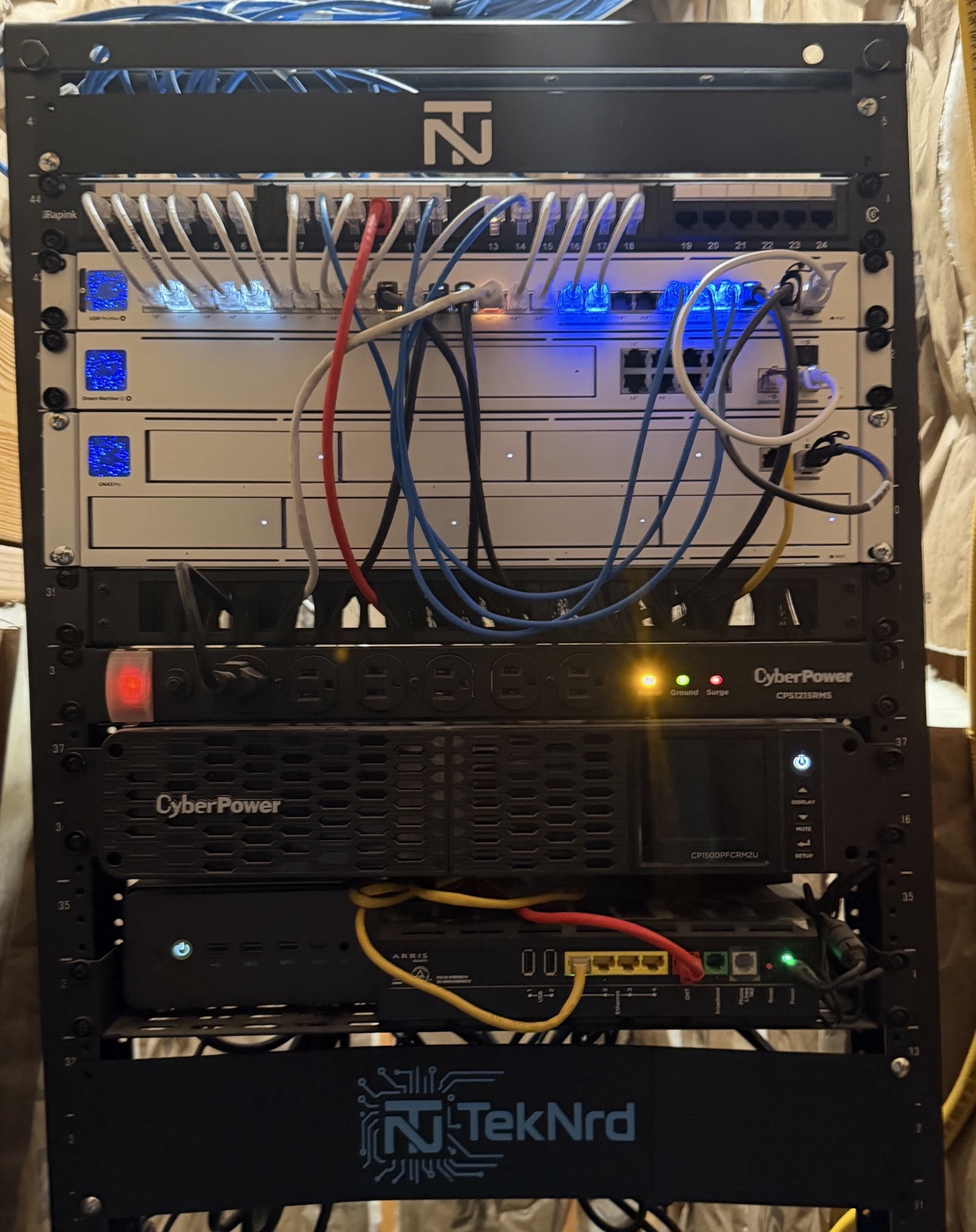
A homelab makes it possible to test routing ideas, build and tear down virtual machines, experiment with storage, and learn through trial and error without worrying about usage charges. Tools like Proxmox can be especially useful for homelab users and small businesses that want flexible virtualization without unnecessary complexity.
Certain Network Services
Some network services are naturally local. DNS filtering, VPN termination, DHCP, LAN monitoring, and other network-adjacent tools often make more sense close to the network they support.
Pushing all traffic to the cloud can introduce latency, complexity, and cost. In some cases it is absolutely worth it, especially for distributed organizations. In others, a local service is the cleaner answer.
The Real Answer Is Usually Hybrid
There are many workloads that belong in the cloud, and that list is long. But infrastructure decisions should always start with the business outcome, not with a default location.
The right answer depends on latency, cost, security, resilience, data movement, operational skill, and how the workload supports the organization.
So, what should you run on-premises, what belongs in the cloud, and where does a hybrid approach make the most sense? Innojacent can help you evaluate those choices and build a practical path forward.